Description
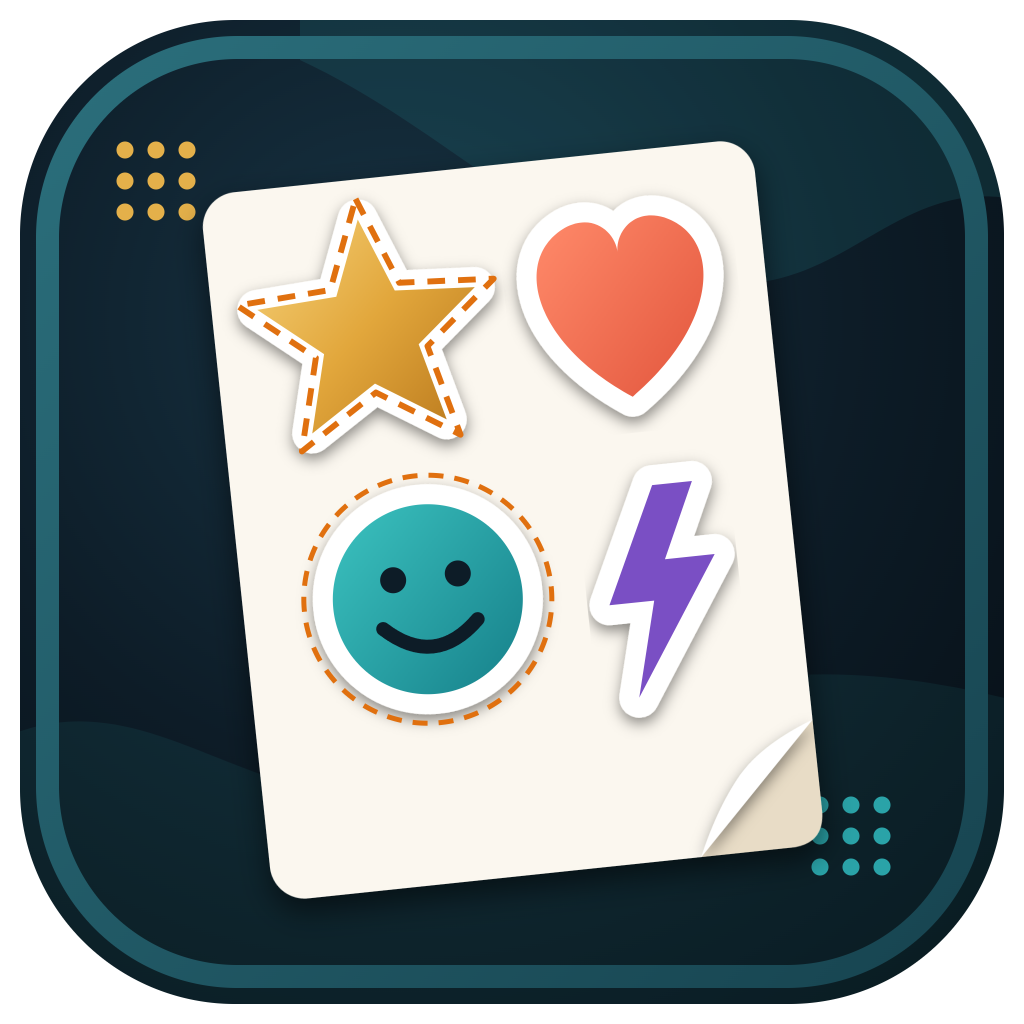
Making sticker sheets by hand means offsetting every design, welding the border, then arranging them to fit the print then cut area, one sheet at a time. Sticker Sheet Maker does it all at once: add your designs, set the white border, and it fits as many stickers as possible onto each sheet.
Separate parts of a design are joined into one sticker, small gaps inside are filled, and pictures on a white background have the white taken away for you. Save a see-through PNG that Cricut Design Space cuts round automatically, or an SVG with the picture and cut lines lined up for Silhouette and other cutters.
Try it free in your browser first. Adding borders and laying out your sheet is free; buying unlocks saving the print and cut files.
What it does
- Adds a white border and smooth cut line to any PNG, JPG, WebP or SVG design
- Joins separate parts into one sticker and fills small gaps
- Takes away a white background automatically
- Fills the Cricut print then cut area (6.75 × 9.25 in), A4 or Letter for Silhouette, or your own size
- Turns stickers sideways when that fits more on, and fills the sheet with copies in a click
- Warns you when a picture is too small to print sharply
- Saves see-through PNGs at 300 DPI for Cricut, print and cut SVGs, and cut-line-only SVGs
Good to know
- Pay once and the app is yours, updates included. No subscription.
- Runs in Microsoft Edge or Google Chrome, and works offline once opened.
- Cricut Design Space limits print then cut images to 6.75 × 9.25 inches.
- Your pictures and files never leave your computer.
- Use your licence on your own computers. Your key appears on screen and by email straight away.
- Sold on its own: this app is not part of the All Apps Bundle.
Reviews
There are no reviews yet.